Agents
Git worktrees
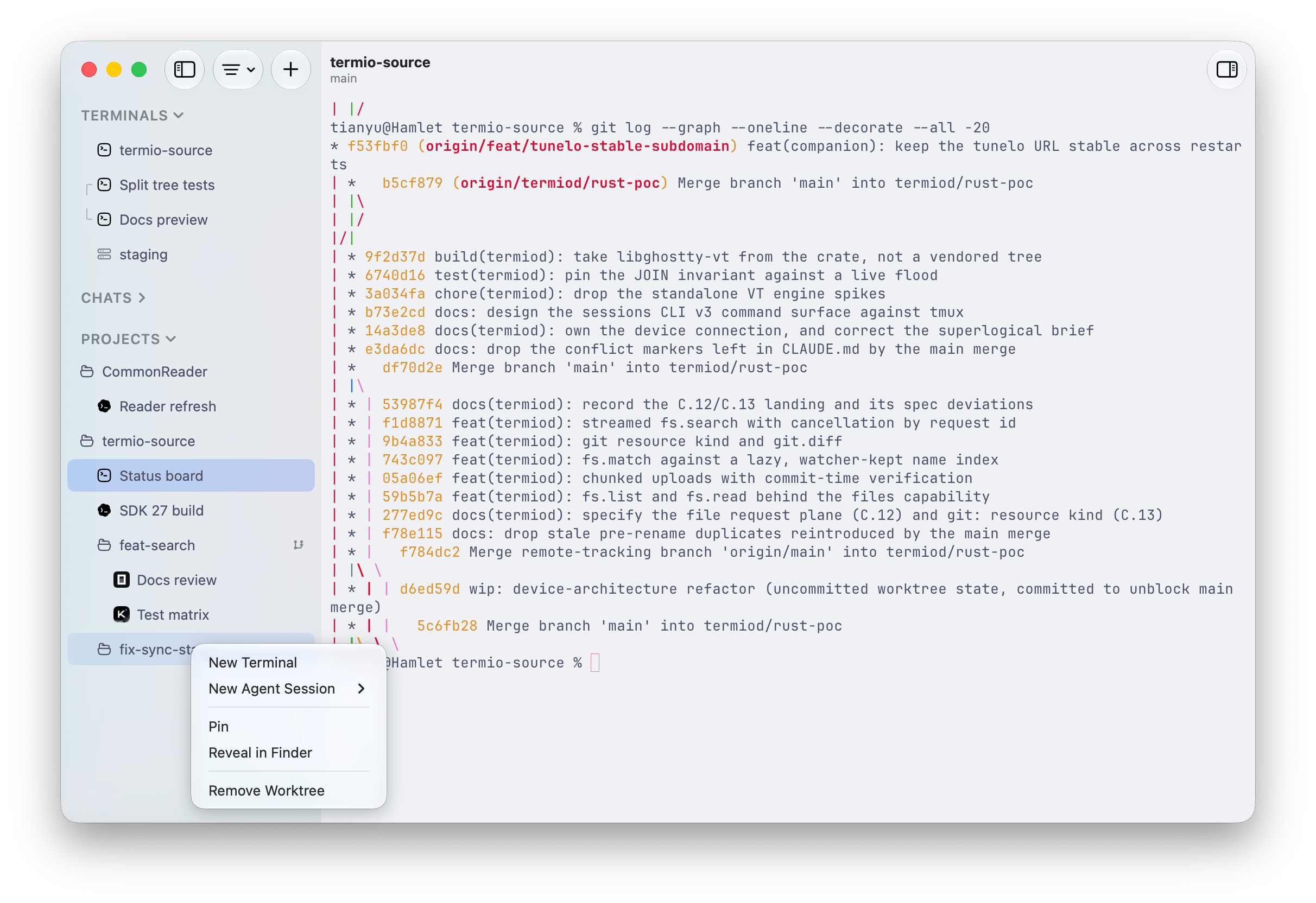
Fyolo reads your repository’s worktrees straight from git and shows them as a nested branch under the project, so parallel agent work stays isolated.
When you have several agents working a repository at once, you don’t want them stepping on each other’s files. Git worktrees give each line of work its own checkout on its own branch — and Fyolo surfaces them natively.
How Fyolo sees worktrees
Fyolo derives worktrees directly from git (git worktree list), so any
worktree you create — from the command line or elsewhere — shows up in the
sidebar automatically. Each one appears as a nested folder under its project,
labeled with its branch, forming a three-level tree: project → worktree →
sessions.
The list stays in sync: Fyolo reconciles it when a project loads, when the app regains focus, and when the git directory changes.
Working in a worktree
Open a session inside a worktree and it starts in that worktree’s directory on
that worktree’s branch. Point one agent at your main checkout and another at a
feat/… worktree, and their edits never collide — each has its own working tree,
its own index, its own branch.
An empty worktree still appears in the tree. Open its context menu and choose New Terminal or New Agent Session to start there.
Reviewing the work
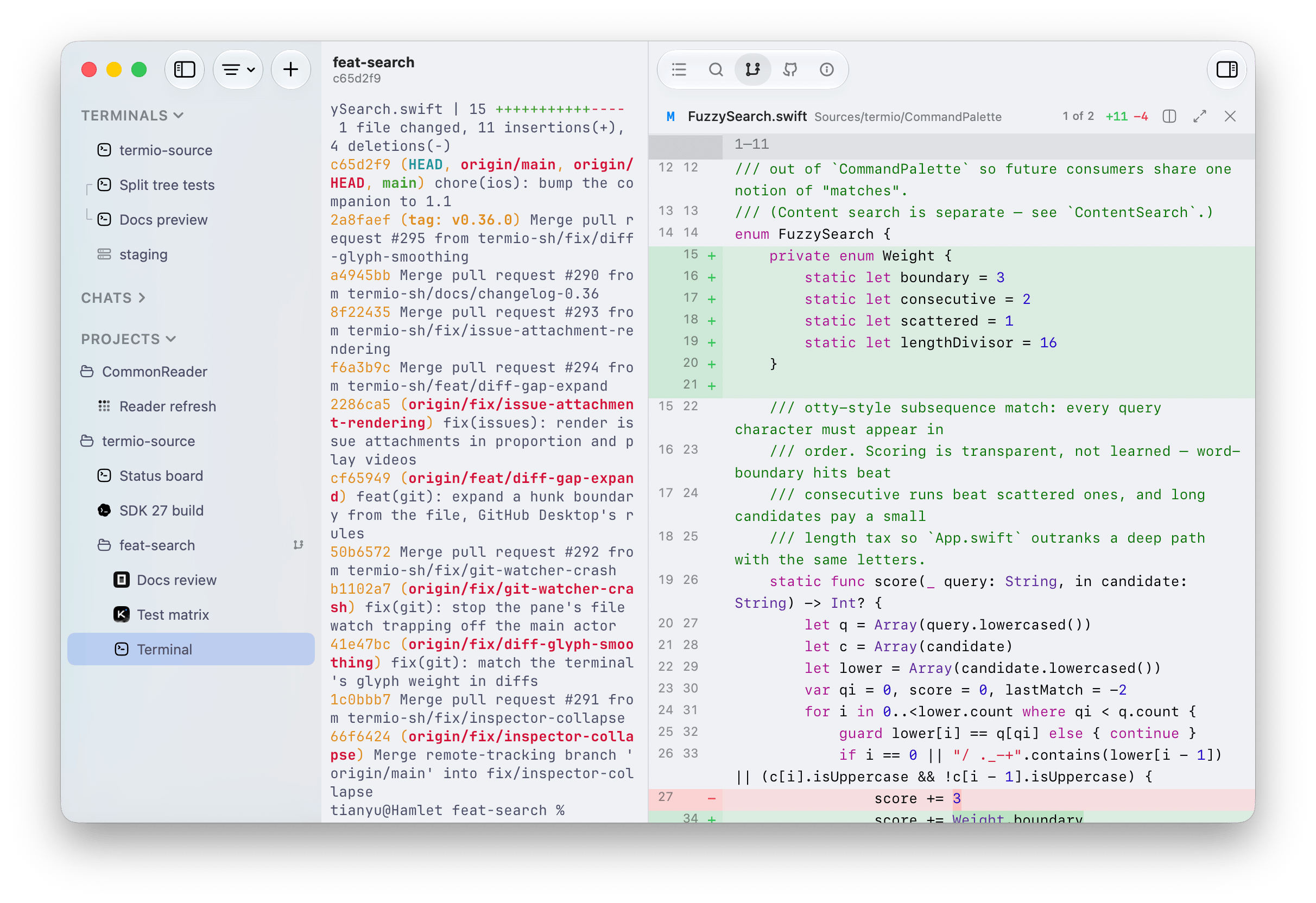
The inspector’s git pane is read-only by design: three tabs — Changes, Compare, and History — let you read the diff, see what the branch would merge, and browse commits per worktree. Committing, pushing, and opening pull requests happen in the terminal, where you (or the agent) already are — see the inspector guide.
Status hooks & session control
The two opt-in switches behind the sidebar’s live statuses — hooks that let agents report what they’re doing, and the skill that teaches them to drive sibling sessions.
Devices
Run your agents on machines you already own — this Mac, the Mac mini on the desk, a VPS. Fyolo copies one binary there over SSH, sets up the agents, and the sessions keep running whether or not you’re attached.