Agents
Status hooks & session control
The two opt-in switches behind the sidebar’s live statuses — hooks that let agents report what they’re doing, and the skill that teaches them to drive sibling sessions.
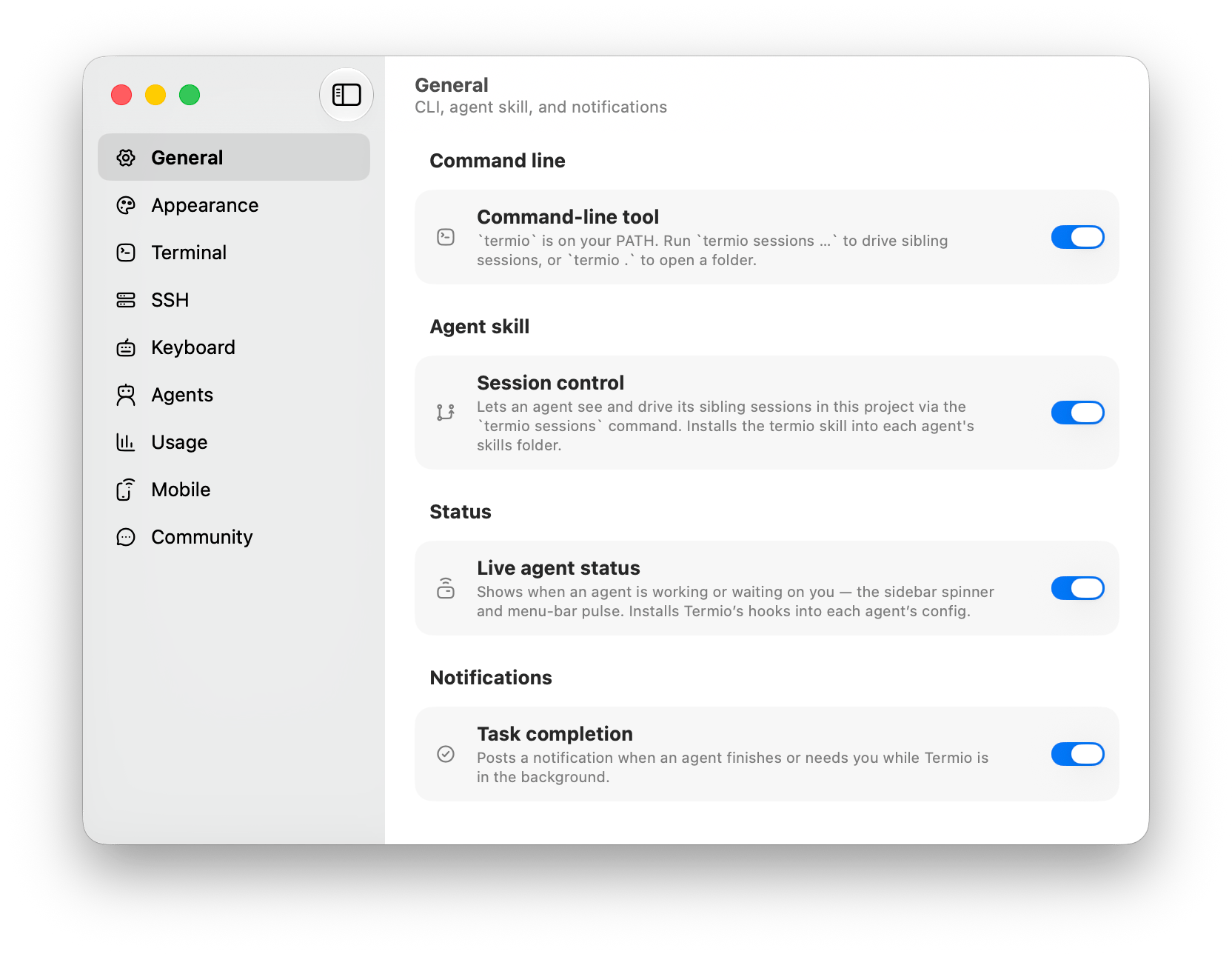
Two related, opt-in switches sit behind the live statuses you see in the sidebar: status hooks that let agents report what they’re doing, and the session control skill that teaches them to drive sibling sessions. Neither is required to use Fyolo; both make a fleet of agents easier to run. The commands they expose are documented in Command-line tool.
Live agent status
Fyolo can install small status hooks into your agents’ own config files (Claude Code, Codex, Cursor, and the plugin-based agents). When an agent starts working, finishes, or stops to ask a question, the hook reports that to Fyolo, so the sidebar’s status dots reflect exactly what’s happening instead of being guessed from output.
Turn it on from Settings ▸ Agents ▸ Live agent status (Fyolo also offers it once on first launch). Toggling it off removes the hooks again, leaving any hooks you added yourself untouched.
The switch says whether you want the feature; each machine installs it for its own agents. Open a machine under Settings ▸ Remote Hosts and press Set Up — or Reinstall Hooks and Skill on its Agents page — to put the hooks on that box. That is what gives an agent running on a VPS the same status dots as one running here. See Devices.
Session control
Settings ▸ Agents ▸ Session control turns on the fyolo sessions
orchestration API below, and teaches your agents it exists by installing a
fyolo agent skill into each agent’s skills folder (~/.claude/skills,
~/.codex/skills). The skill loads on demand — an agent carries only its
one-line description until a task actually involves driving sibling sessions —
and Fyolo re-asserts it on every launch, so app updates propagate and
hand-edits heal automatically. Toggling it off removes the skill again.
Running an agent Fyolo doesn’t auto-configure? The same skill is published at fyolo.sh/skill.md and installable straight from the repo:
npx skills add fl0wo/fyolo --skill fyoloBoth toggles only write files on your Mac — hook entries in agent configs and the skill file. Nothing leaves your machine: status reports and session commands travel over a local socket to the Fyolo app, and nowhere else.
Custom agents
Teach Fyolo about any CLI by dropping a small JSON manifest in ~/.fyolo/config/agents — give it a name, an icon, and live status detection, and it becomes a first-class agent alongside the built-ins.
Git worktrees
Fyolo reads your repository’s worktrees straight from git and shows them as a nested branch under the project, so parallel agent work stays isolated.